Why We Build on Webflow: Security That’s Sorted Before We Start
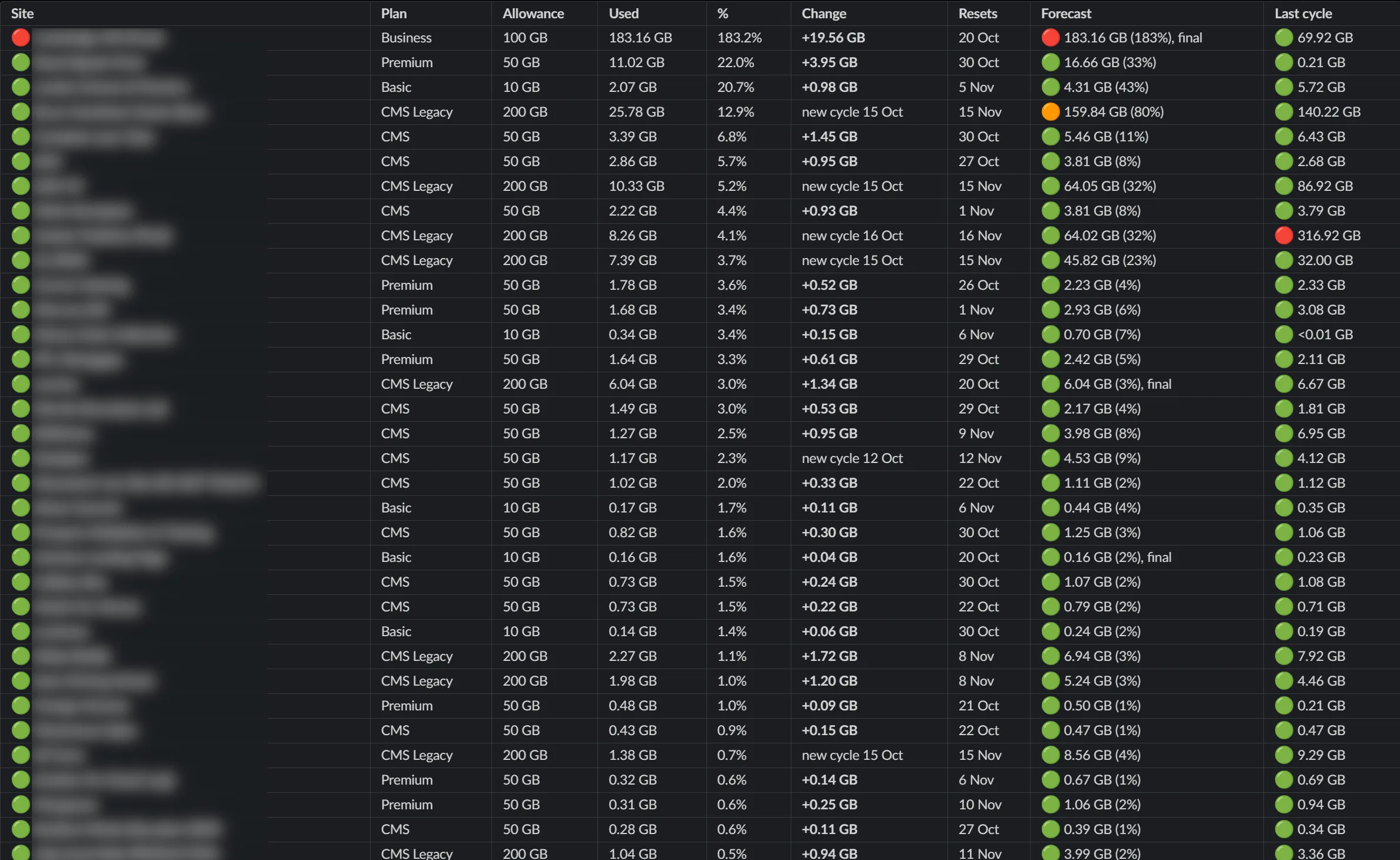
We’ve built on Webflow since the start of Jolly Good Web and with over seventy sites to date. It’s the platform we’d choose for our own clients every time: quick to load, easy for their teams to update, and secure without anyone having to watch over it.
Most businesses can’t keep up with their website security on their own (and as a team of ten, we’d rather spend our hours on your site than on patch notes). Webflow has a dedicated security team doing it for every site on the platform, so a lot of the protection is already in place before we start a build. Here’s what that looks like.
What Every Client Gets on Day One
Every Webflow site we launch goes live with DDoS protection, a global CDN powered by Cloudflare, an SSL certificate and HSTS already switched on. Nobody at JGW has to remember to configure any of it, and nobody on your side has to remember to renew it. (If those terms mean nothing to you, don’t worry, we’ve explained each one in plain English below.)
We don’t expect clients to take Webflow’s word on security, and we don’t take it on trust either. Its controls are tested by independent auditors, and the reports are available to request from the Webflow Trust Center.
• SOC 1 Type 2 and SOC 2 Type 2 reports. Independent audits of how a company protects its systems and data. Webflow’s SOC 2 covers security, availability and confidentiality, and Type 2 means the auditor tested the controls over a period of time (a one-day snapshot doesn’t count).
• ISO/IEC certifications. Internationally recognised standards for running things properly. Webflow holds 27001:2022 for information security, 27017 for cloud security, 27018 for personal data in the cloud and42001 for AI governance.
• Other standards listed: PCI DSS (card payment security),GDPR (data protection), CCPA (California’s privacy law) and DORA (EU rules for financial services’ digital resilience).
• Ongoing testing. Every year an outside firm is brought into try to break in, known as a penetration test, and the results are shared. Webflow also runs a Vulnerability Disclosure Program, which invites security researchers to report any weak spots they find.
If your IT or procurement team wants to see the paperwork before signing off a new site, the Trust Center is where we send them.
No Plugins to Keep on Top Of
This is the big one for us, and a large part of why we move clients from WordPress to Webflow. WordPress relies on third-party plugins for things like SEO, forms and page building, so a typical site can end up running dozens of them. Each one is written by a different developer, with no easy way to check how seriously they take security. You even need a plugin to handle security (which is a sentence we’d rather not have to write).
Every plugin also needs its developer to publish updates,and then someone needs to apply them. Miss a few and the site has gaps in it.
Webflow builds the core features into the platform itself: the visual designer, CMS, SEO controls and forms. Apps, integrations and custom code are there when a project needs them, and Webflow gives app developers guidance on building securely. A site doesn’t depend on any of them to run.
What’s Included in Every Plan
These come as standard on every Webflow site plan, from Basic upwards:
• DDoS protection and rate limiting. Stops someone flooding your site with fake visits to knock it offline.
• A global CDN powered by Cloudflare. Copies of your site sit on servers around the world, so it loads quickly wherever your visitors are.
• Encryption in transit and at rest (TLS 1.2+), plus automatic SSL certificates. Anything sent between your site and its visitors is scrambled so nobody can read it on the way, and stored data is scrambled too.
• HSTS switched on by default. Tells browsers to only ever load your site over a secure connection.
• Automatic platform patching and updates. Webflow fixes and updates the software your site runs on, so there’s nothing for you to install.
• Version history with one-click restore. If something goes wrong, the site can be rolled back to an earlier version in a couple of clicks.
Underneath it all, Webflow is hosted on Amazon Web Services. For our clients, that means a traffic spike from a press mention or a big campaign launch doesn’t take the site down, and nobody has to scramble to upgrade a server.
The SSL certificate is the padlock visitors see in their browser bar. Webflow issues it automatically, so there’s no renewal reminder sitting unread in someone’s inbox.
Protecting Logins, Pages and Work in Progress
Two-factor authentication. Webflow accounts support 2FA, so a stolen password on its own isn’t enough to get in. Any new login has to be confirmed from a second device, usually a phone. We’d recommend every client switches it on.
Password-protected pages. Webflow can lock a whole site, a single page or a CMS collection behind a password, and the login screen can be designed to match the rest of the site. It’s useful for internal documentation, client-only resources or anything not ready for the public yet.
Automatic backups. Webflow saves backups as you work, including images and other assets. You can also save and name a backup before a big change, so there’s always a clean point to roll back to if something goes wrong.
php2shell: Why Webflow Sites Weren’t Affected
On 21st October 2026, two critical flaws were found in PHP, now known as “php2shell”. Government websites across Europe went offline while teams rushed to install fixes, and the FBI, NSA and CISA told organisations to update immediately or take their sites down.
PHP is a programming language that works behind the scenes on a huge number of websites. It handles jobs like processing forms and pulling content from a database when someone loads a page. Roughly 70% of websites with an identifiable server-side language use it, WordPress included. The flaws let attackers run their own code on an affected server without logging in, which could expose data or take a site down.
WordPress runs on PHP, so every WordPress site needed its host or developer to move to a patched version (PHP released fixes for versions8.2 to 8.5) and then check nothing had broken. Sites still on older versions of PHP needed a bigger upgrade first, because no fix was released for them.
Webflow’s core platform isn’t built on PHP, so the sites it hosts were never exposed. Webflow’s security team still checked the internal systems that do use PHP, fixed what needed fixing and posted the details on its Trust Center. Our Webflow clients had nothing to update.
Worried About Security?
Security is easy to forget while a site is running smoothly, and it rarely makes the top of a website brief, however the risk keeps growing all the same. AI has made websites quicker to build and quicker to attack. Verizon’s Data Breach Investigations Report found 31% of breaches now start with software vulnerabilities, and IBM puts the global average cost of a breach at $4.99M.
So, we cover it from the first build, and you get to spend your time on the parts of a new site you’re excited about. If you’re planning a new site or thinking about moving off WordPress, get in touch.
Get in touch
